
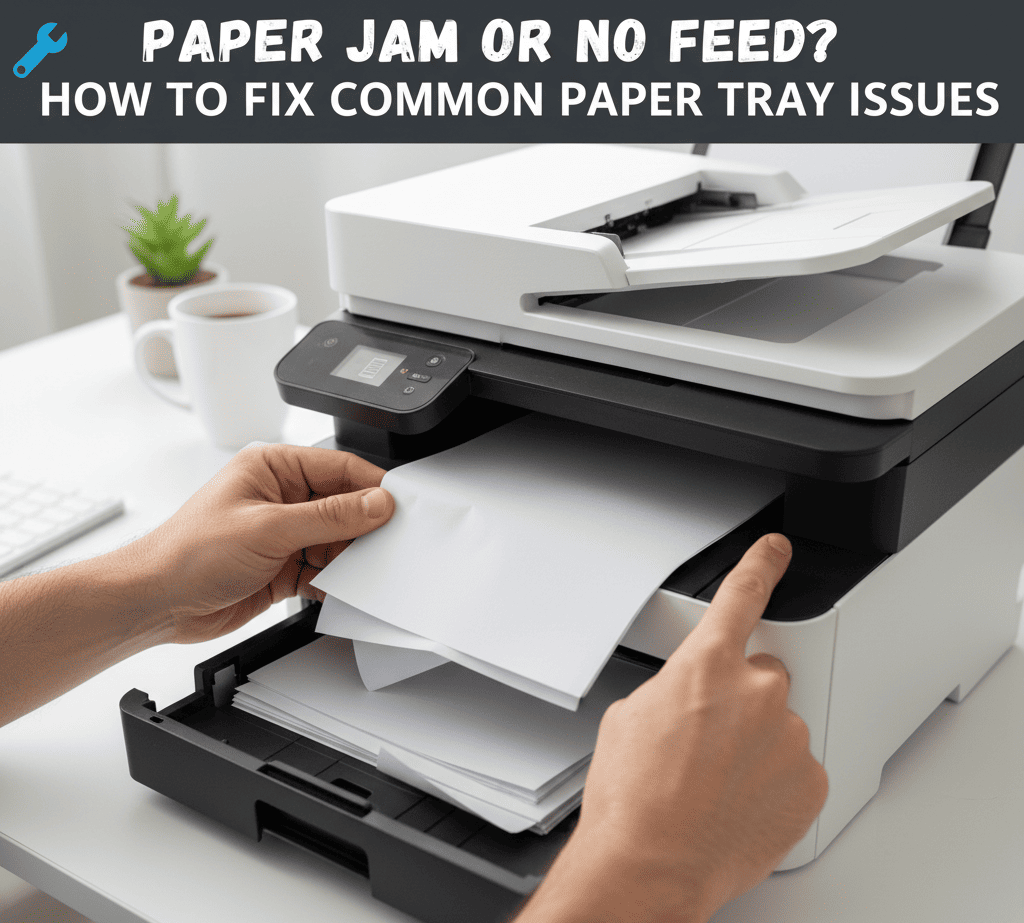
Paper Jam or No Feed? How to Fix Common Paper Tray Issues
Paper jams and feeding problems are among the most common issues faced by printer users. At Click4Solution, we help you understand why these problems occur and guide you through effective steps to fix and prevent them, ensuring smooth and uninterrupted printing every time.
1. Identifying the Cause of the Jam
The first step in resolving a paper jam is understanding where it occurs. Check the input and output trays, rollers, and internal paper path for any stuck or torn paper. Avoid pulling jammed sheets forcefully — this can damage internal components or sensors.
2. Clearing the Paper Path Safely
Always turn off the printer before attempting to remove jammed paper. Open all accessible covers and carefully pull the paper in the direction of the feed. Inspect rollers for leftover fragments or debris that could obstruct smooth feeding.
- Remove all visible paper pieces gently to avoid tearing.
- Clean paper rollers with a soft, lint-free cloth.
- Ensure the paper tray is properly aligned and not overloaded.
3. Choosing the Right Paper Type
Using incorrect or poor-quality paper often leads to jamming or feeding errors. Always use paper that matches your printer’s specifications. Damp or curled sheets can also cause feeding issues, so store paper in a cool, dry place.
4. Inspecting and Maintaining Feed Rollers
Over time, feed rollers can accumulate dust or lose their grip. Clean them periodically using a soft cloth and mild cleaning solution. If rollers are worn out, replacing them restores proper paper movement and prevents frequent jams.
5. Regular Maintenance for Smooth Feeding
Prevent recurring issues by scheduling periodic checks of your printer’s paper feed system. Keep the tray clean, avoid overfilling, and fan paper stacks before loading to separate sheets evenly. These small steps go a long way in improving performance and reducing downtime.
At Click4Solution, we believe that proper care and awareness can prevent most paper handling issues. From cleaning rollers to selecting the right paper type, following these best practices ensures your printer runs smoothly and delivers consistent results every time you print.